Cybersecurity
Your AI Threat Model — 10 Things to Lock Down Before You Become a Target
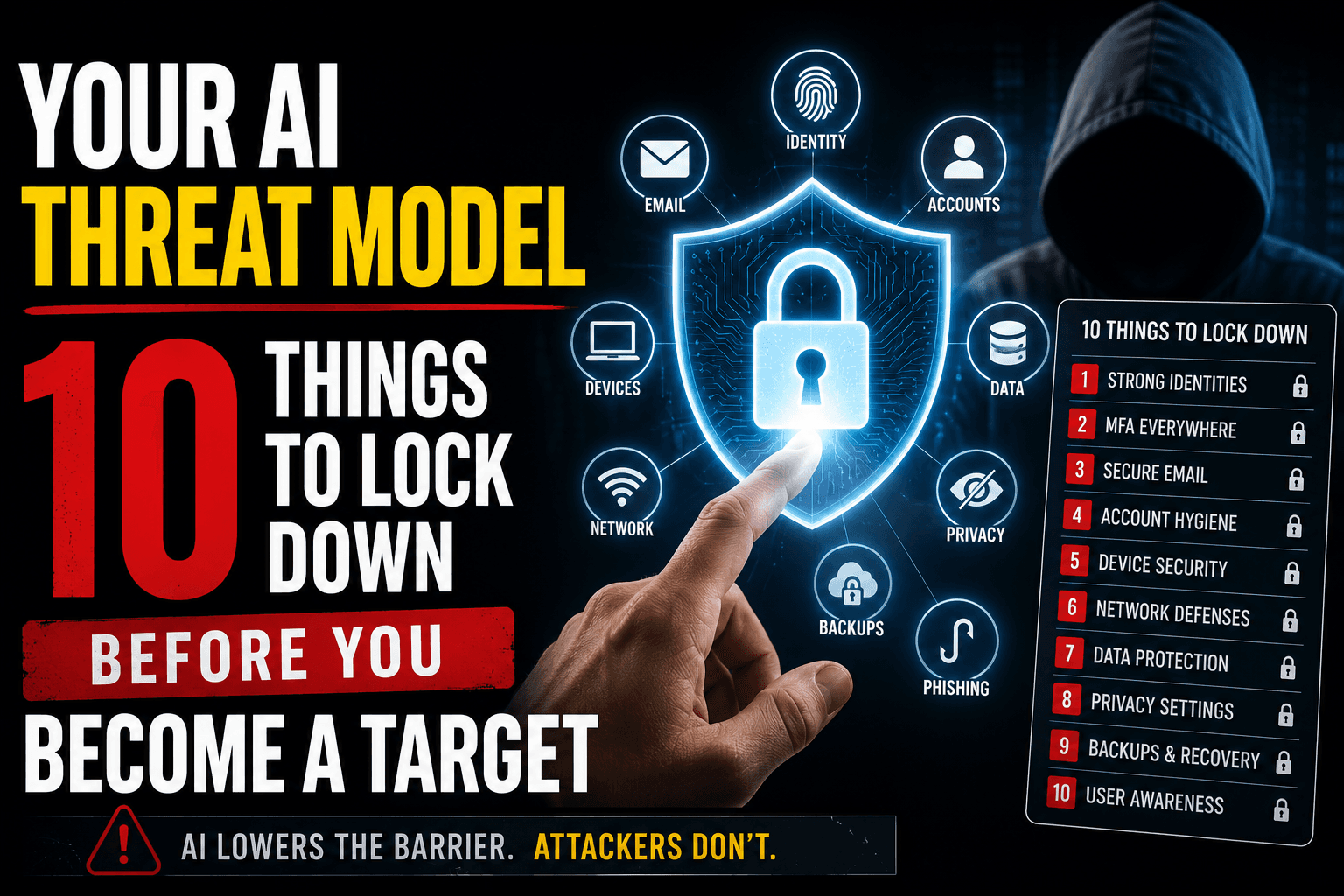
Your AI Threat Model — 10 Things to Lock Down Before You Become a Target
The advice that protected an average person in 2020 doesn't protect them in 2026. Strong passwords aren't enough. "Don't click suspicious links" isn't enough. "Verify the caller" used to work — now the caller sounds exactly like the person you'd verify against.
What still works is layered. The defenses below don't depend on you correctly identifying a fake in the moment. They make it harder for the fake to reach you in the first place, and they limit the damage when one slips through.
This is a one-afternoon audit. Two hours of work now versus months of recovery later. Run through the list in order.
1. SIM-Swap PIN at Your Phone Carrier
Time: 10 minutes. Risk if skipped: high.
A SIM swap is when an attacker convinces your carrier to transfer your phone number to a SIM card they control. Once they have your number, every "verify with a code sent to your phone" defense flips into a weapon. They reset your email, your bank, your everything.
Call your carrier. Ask them to add a port-out PIN or account PIN to your line. Pick a number that isn't a birthday, anniversary, or anything in your wallet. Confirm the PIN must be presented in person at a store or over a recorded line before any SIM change, port-out, or account modification can happen.
Verizon, AT&T, T-Mobile, and most MVNOs all support this. It's free. It's the single most impactful thing on this list.
2. Credit Freeze With All Three Bureaus
Time: 15 minutes total. Risk if skipped: high.
A credit freeze blocks anyone — including an attacker with your full identity package — from opening new credit in your name. New lenders can't pull your credit report while the freeze is active, so the application gets denied.
Freeze all three: Equifax, Experian, TransUnion. Each is its own website, each takes about five minutes, each is free. You get a PIN per bureau — store these in your password manager.
When you actually need to apply for a new card or a loan, you unfreeze temporarily, apply, then refreeze. It's a small inconvenience that prevents the entire identity-theft money path.
3. Email on a Serious Provider + Hardware Key 2FA
Time: 30-60 minutes if you're moving providers. Risk if skipped: critical.
Your email is the master key. Every "reset password" link in your life lands there. If an attacker controls your email, they eventually control everything.
Two requirements:
Use a real provider. Gmail, Proton, Fastmail. Not your ISP's email, not a domain registrar's mailbox, not Yahoo. The serious providers have actual security teams and aggressive anomaly detection.
Enable hardware-key 2FA. Buy a pair of YubiKeys (one to carry, one as backup), enroll both on your primary email account, and remove SMS as a 2FA fallback. SMS 2FA dies the moment someone SIM-swaps you. Hardware keys do not. The cost is about $50 once.
If your provider only supports SMS or authenticator-app 2FA, get an authenticator app instead of nothing, but plan to migrate.
4. Family Safe Word
Time: 10 minutes. Risk if skipped: medium-high.
Voice cloning takes three seconds of audio and reproduces a family member's voice well enough to fool you on the phone at 11pm when something is "wrong." A safe word — agreed in advance, known only inside the family, never written anywhere online — is the verification that voice cannot replicate.
Pick the word with the people who need it. Use it only for verification. Never repeat it in messages that could be intercepted.
Full setup, conversation script, and what to do mid-call in The Voice on the Phone Sounds Like Your Daughter. It Isn't..
5. Audit Your Public Voice and Face Exposure
Time: 30 minutes. Risk if skipped: medium.
Voice clones need source audio. Face clones need source video. The more of you that exists publicly, the easier you are to synthesize. The audit isn't about going dark — it's about knowing what's out there and deciding what's worth taking down.
Scan and inventory:
- TikTok, Instagram, YouTube Shorts. How many minutes of you speaking, on camera, exist publicly?
- Podcast appearances. Conference talks. Recorded panels. Any speaking content tied to your real name?
- LinkedIn videos and "introduce yourself" posts.
- Old Vimeo, school project videos, wedding videos that were posted publicly.
Decide what to set to private or take down. The work-related content probably stays. The two-minute selfie video where you talked at your phone for fun might be worth pulling.
You don't need zero exposure. You need to know your exposure level and to recognize that a public figure with 100 hours of speaking on YouTube faces a different threat model than a private person with two old TikToks.
6. Password Manager + Passkeys
Time: 1-2 hours to migrate. Risk if skipped: critical.
A password manager — 1Password, Bitwarden, or whatever your platform's native one is — does two things: it generates and stores long, unique passwords per site, and it autofills them only on the legitimate domain. The second part is what kills phishing. Autofill refuses to fire on the lookalike domain, so even if you click the link, the credentials don't get submitted.
After the manager is in place, turn on passkeys everywhere they're supported. Apple, Google, GitHub, your password manager, your bank. A passkey is a cryptographic credential tied to your device that cannot be phished, cannot be replayed, and cannot be stolen via a breach of the website.
Migrate the high-value accounts first: email, banking, password manager itself, work identity provider. Then work down the long tail.
7. IRS Identity Protection PIN
Time: 15 minutes. Risk if skipped: medium.
The IP PIN is a six-digit number the IRS assigns to you that must be present on any tax return filed under your SSN. Without it, the return is rejected. This blocks the most common monetization path for stolen identity packages — filing a fake return and stealing your refund.
Opt in at IRS.gov. The setup is online, takes about 15 minutes, and once enrolled the PIN rotates annually (you'll get the new one from the IRS each January).
8. Per-Transaction Financial Alerts
Time: 20 minutes. Risk if skipped: medium.
Most banks and credit cards let you set per-transaction text or email alerts — every charge, regardless of amount, generates a notification. Enable this on every card and account that supports it.
The point isn't to catch fraud at the moment it happens (though you sometimes will). The point is that an unauthorized transaction goes from "I might find out at the end of the month" to "I find out within 30 seconds." That shortens the window the fraudster has to drain the account or rack up charges before you call the bank.
Yes, the notifications are noisy at first. After a week you stop noticing the ones that match your own spending, and the unexpected ones jump out hard.
9. Verify Business and Job Calls Before Sharing PII
Time: ongoing. Risk if skipped: high.
The pattern that takes down most people in 2026 isn't a technical exploit. It's an unsolicited call or message from "the bank," "the IRS," "Microsoft support," or "a recruiter" that walks you to handing over information voluntarily.
Default behavior:
- Anyone who calls you asking for sensitive information, hang up. Call back on a number you found yourself, not one they gave you.
- Anyone who emails you asking for identity documents, verify the email domain and the request through a separate channel — a phone call to the company's main line, or a direct message to a known contact.
- Never share an SSN, driver's license, date of birth, or financial info on an inbound communication.
The recruiter version of this attack is the big one in 2026. Full playbook in The Recruiter Reaching Out on LinkedIn Might Be AI.
10. The "Compromised" Playbook
Time: 15 minutes. Risk if skipped: medium.
Write down — now, while you're calm — what you'll do if something goes wrong. Phone numbers, login URLs, the order of operations. Keep it somewhere you can reach without your phone (a printed card in a drawer is fine; the cloud is not, because the cloud might be the thing that's compromised).
Minimum playbook:
- If my email is compromised: the number to call my email provider's support, the recovery account, the steps to revoke active sessions.
- If my phone is SIM-swapped: the carrier's fraud line, my account PIN, the steps to lock the line.
- If my identity is stolen: IdentityTheft.gov, the credit bureau freeze numbers, my bank's fraud line.
- If a family member is compromised: the safe word, the order of who I call, what I tell them.
When something actually goes wrong, your brain doesn't work the way it does now. The playbook is so that you don't have to think — you just execute.
What This Doesn't Cover
This is a personal threat model. It doesn't cover:
- Workplace threats. Your employer should have its own security program. If they don't, that's a different conversation.
- Targeted attacks by nation-states or skilled adversaries. If you're a journalist, dissident, or executive at a high-value target, you need more than this list.
- Physical security. Doors, cameras, mail theft. Important, separate problem.
What this covers is the 2026 baseline for an average person who'd like not to lose a year of their life cleaning up the consequences of an AI-driven scam. That baseline is harder than it was, but every item on the list is something you can do today.
Two Hours Now Beats Six Months Later
Run the list. Most items are 10-15 minutes. The whole audit fits in an afternoon. Each one closes a specific path that an attacker would otherwise take.
You can't make yourself invisible. You can make yourself the wrong target — too much friction, too much defense, too many failed steps. Scammers don't waste time on hardened targets when soft ones are abundant. Be hardened.
Start with the SIM PIN. That's where the money is.